Configure
Configure how the graph is drawn.
Configuration file
To avoid having to edit these settings every time, the configuration file should already have graphs configured for every parameter.
Check out the Configuration editor chapter for more information.
The values set in the configuration file can still be edited here, but they will be reverted when going to a new page.
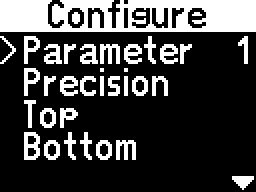
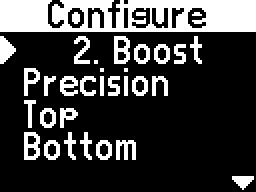
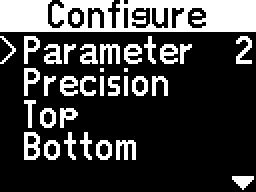
- - select which measurement to plot from the current page
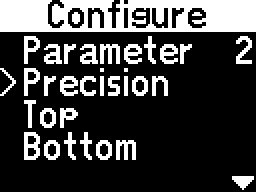
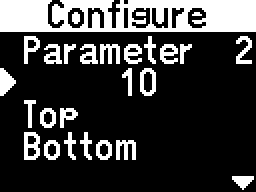
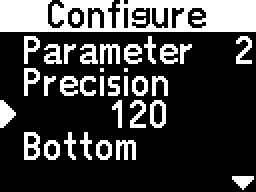
- - select how finely to adjust the following options
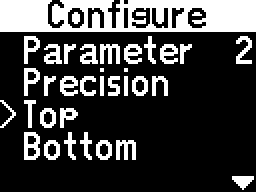
- - select the maximum value that the graph can represent
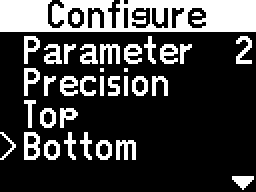
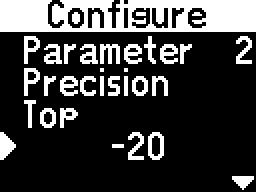
- - select the minimum value that the graph can represent
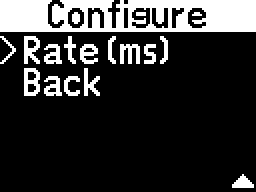
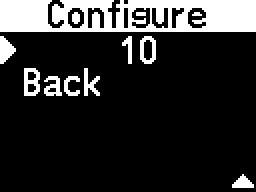
- - select after how many milliseconds to create a new point on the graph
Inverted graph
Setting Top lower than Bottom will invert the graph.
Rate
The Rate only controls how quickly a new point is plotted. The data is read from the module as quickly as possible.
Precision
After setting Precision, opening one of the other options will round the value to it.
For example, if Top is set to 5 and it is edited with a Precision of 10, it will become 10 when accessed.