Fault code descriptions
In order to decode the meaning of fault codes, special files must be uploaded to CANFIS.
To learn about uploading files, follow the Using the update webpage chapter.
KWP
If no description file has been uploaded, accessing a fault code will only show one page (1/1 in the top-right corner):
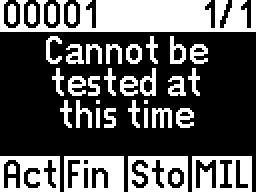
To see descriptions for KWP fault codes, upload the file KWP_EN.FLT (found on the Other files page).
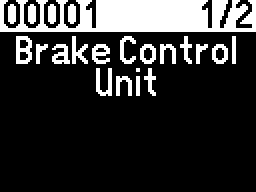
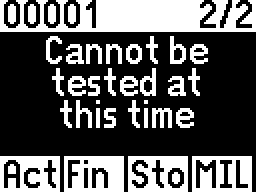
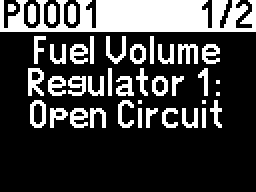
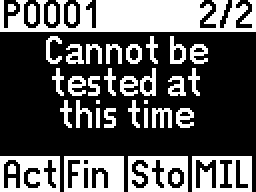
It is also possible for a KWP module to send OBD-style fault codes, as indicated by the fault code in the top-left corner:
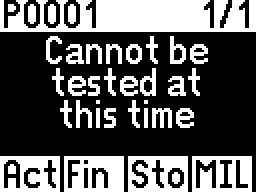
To see descriptions for OBD fault codes, upload the file OBD_EN.FLT (found on the Other files page).
UDS
As mentioned before, each UDS module needs its own file in order to decode fault codes, and currently the only way to obtain them is to contact us.
Without the module's file, the "fault code" is an irrelevant number, and no description can be given.
After obtaining this file, check out the Using the update webpage chapter to learn how to upload it.
After the module's file is installed, fault description files are needed. They can be found on the Other files page.
Most UDS fault codes will need the file OBD_EN.FLT. Some will need the file UDS_EN.FLT. It is recommended to upload both of them.