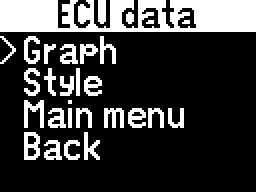
ECU Data
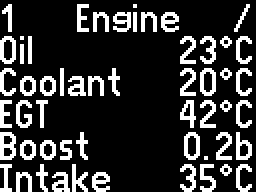
Here, the custom sets of measurements will be displayed.
Before uploading a configuration file, the following error will appear:
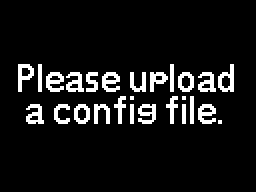
To proceed, follow the Getting started chapter.
If an incompatible configuration file is uploaded, the following error will appear:
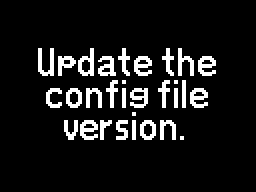
Updating the configuration file version is described in the Configuration editor chapter.
If the configuration file needs a newer software version, the following error will appear:
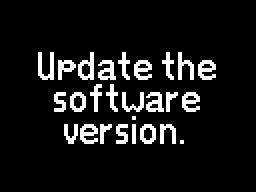
Updating the software version is described in the Using the update webpage chapter.
After uploading a compatible configuration file, your custom measurements will become accessible.
If a communication fault occurs while reading data, the following message will appear:
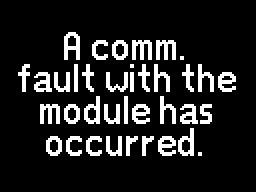
Use the Select button to close the menu, then enter it again.
Additional options
To bring up additional options, use the Select button on any page.