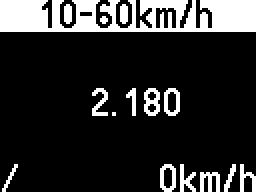
Begin
The speed range is shown in the title bar. The current speed is displayed in the bottom-right corner.
Starting the tool with a speed higher than the starting point will display the following message:
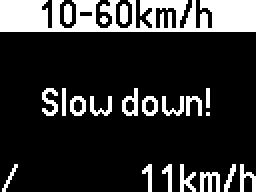
Starting the tool with a speed lower than (or equal to) the starting point will display the following message:
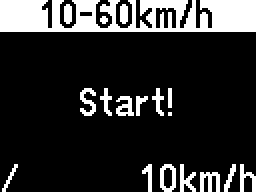
Increasing the speed past the starting point will start the timer. The timer is shown in a "seconds.milliseconds" format.
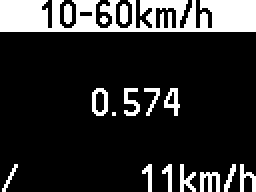
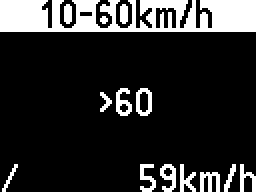
If it takes more than one minute to reach the target, the timer is replaced by the following message:
When the target is reached, the timer is stopped.
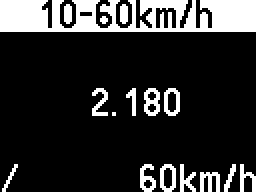
The timer will only restart if the speed drops below the starting value, and then increases above it.
So, the final time will not disappear if the speed goes below the range.