Files
Here you can manage files that you have uploaded.
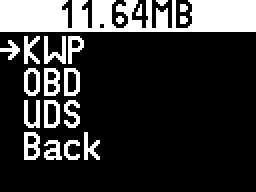
Selecting one of the files will show more details.
You can see what the file contains and how much space it takes.
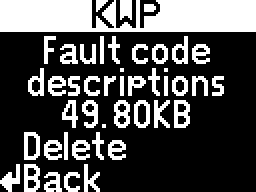
Delete
Pressing will immediately delete the file, without needing confirmation.
For more information about what files you can upload, check out the Using the update webpage chapter.