Fault codes
Read the connected module's stored fault codes.
If there are no fault codes stored, the following message will appear:
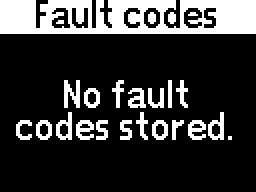
Otherwise, a list of fault codes will appear.
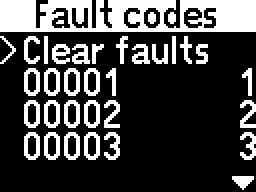
The Back option is at the bottom of the menu, after all fault codes.
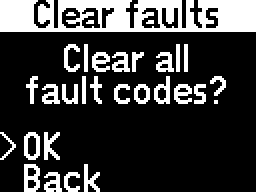
Navigating the list of fault codes, their code is on the left side and their position in the list is on the right side.
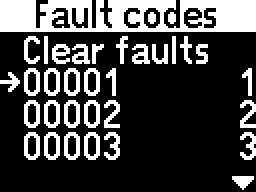
It is possible to access any of the fault codes to get a description.
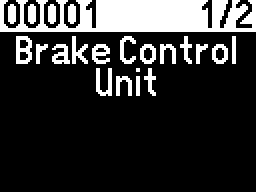
The last page shows more details about the fault.
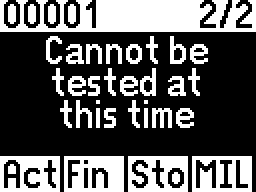
- - the fault is active
- - testing is finished
- - the fault is stored
- - "Check engine" active
If the fault text files (or the module files for UDS modules) are not installed, no descriptions will be provided.
Additionally, for UDS modules, the fault code cannot be translated without the module's file; the number shown is useless! Contact us for module files.
To enable fault code descriptions, follow the Fault code descriptions chapter.